Search This Blog

Showing posts with label play. Show all posts

Sunday, 21 June 2015

BEST GAMES FOR PLAYSTATION 2 (PS2) !!

Hello everyone !!!

Today I have brought some of the best games that ps2 has ever made...

I know that ps2 is now obsolete but there are some people who are still using ps2.. and those people will like these games as they contain great graphics..

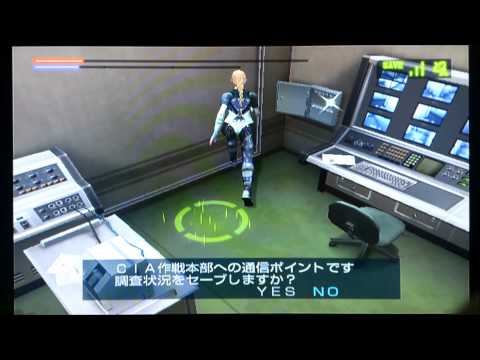
1) DEATH BY DEGREES:



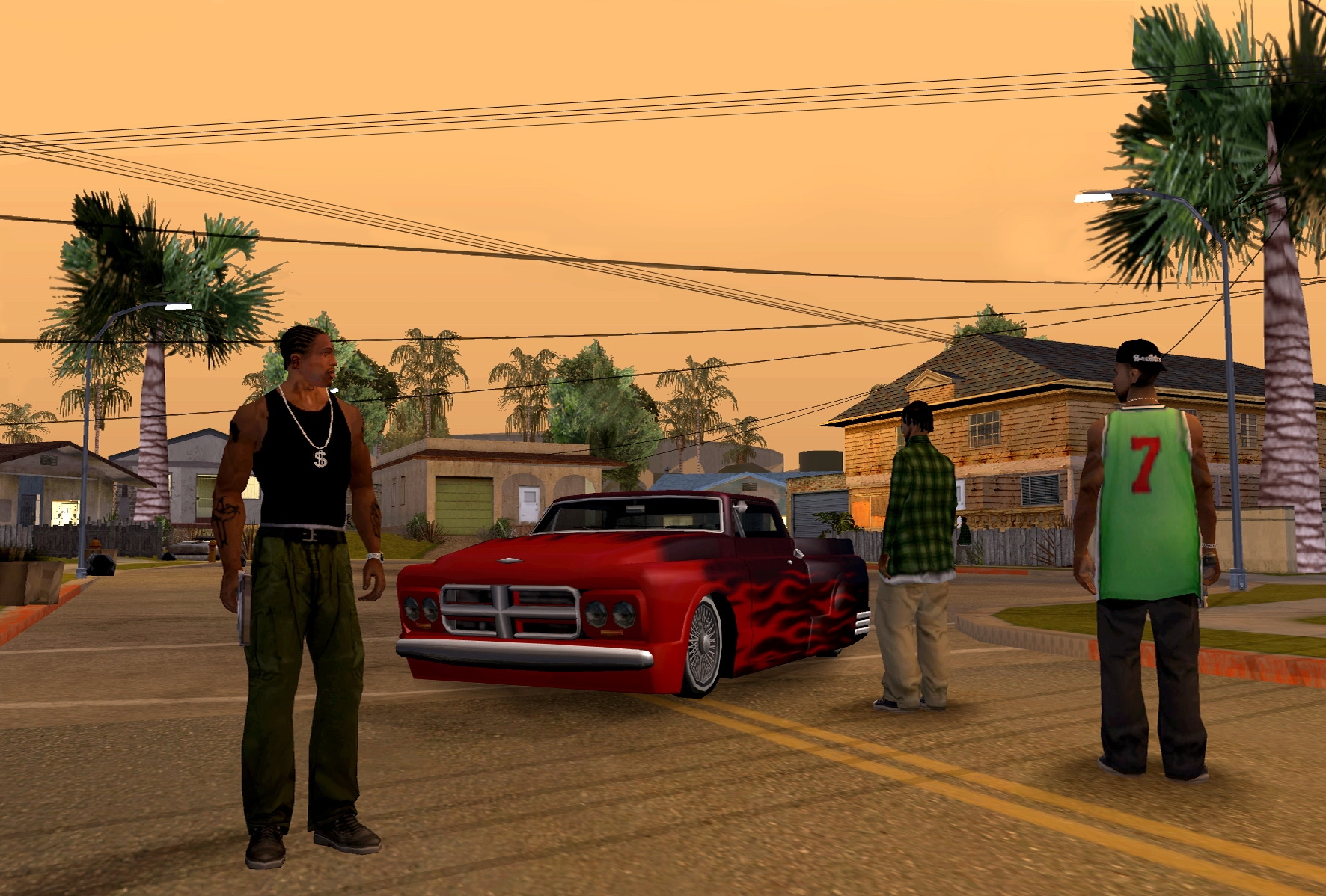
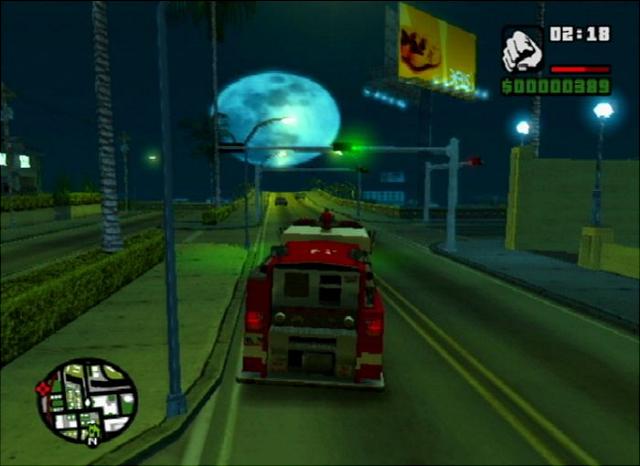
2) GTA SAN ANDREAS:


3) RED NINJA- END OF HONOR:


4) SILENT HILL 4 - THE ROOM:


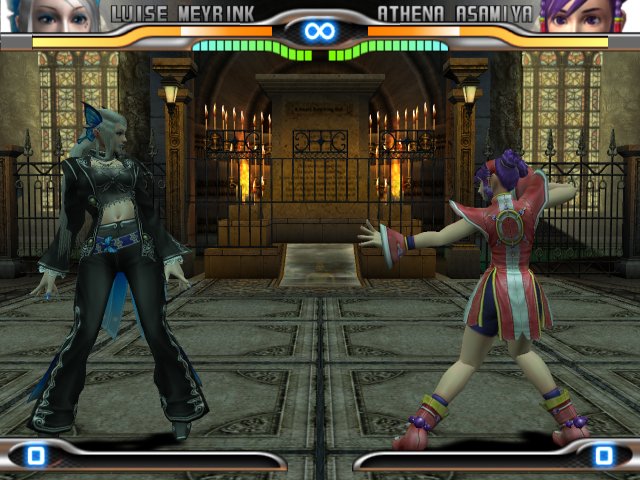
5) KING OF FIGHTER (2006)


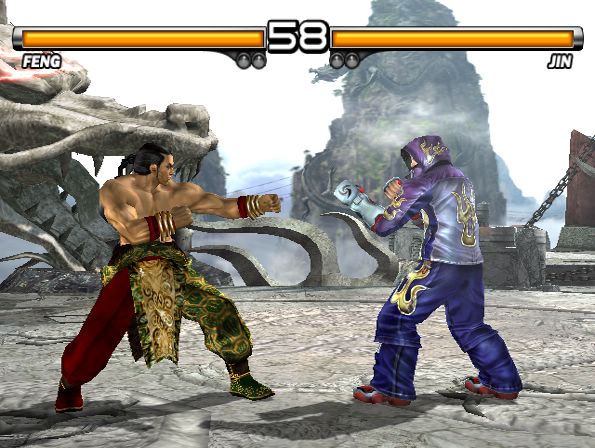
6) TEKKEN 5:


7) NFS MOST WANTED :


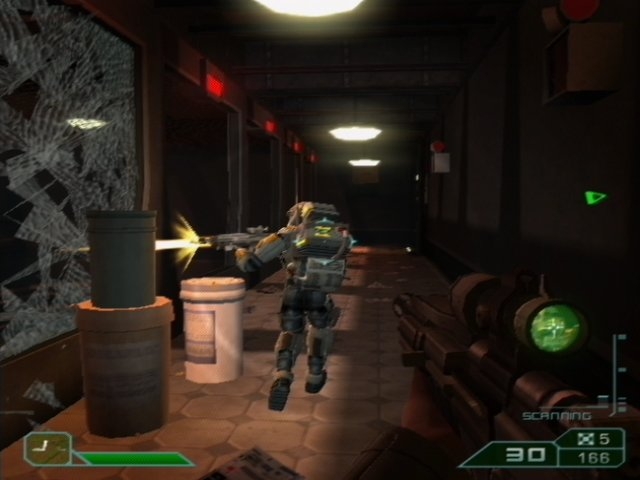
8) BLACK:


9) PRO EVOLUTION SOCCER (2013)


10) AREA 51: 


Monday, 15 June 2015

How To Share Files Between PC And Android Phones Using WIFI?

Hello Everyone!!!

Nobody likes to connect their android phones with their computers by wires as it takes a lot of time and makes you feel like a cow tied in a corner...

NOTE: As this is a free version you will not be able to transfer large files.


here is a simple way to transfer your files between computer and your android phone all you have to do is:

STEP 1:

DOWNLOAD THE WIFI FILE TRANSFER FROM PLAY STORE:


STEP 2:

ENTER THE CODE WHICH IS GIVEN BY THE APPLICATION INTO YOUR COMPUTER BROWSER


STEP 3:

TRANSFER YOUR REQUIRED FILES FROM OR TO YOUR PC/ANDROID PHONE.


STEP 4:

WHEN DONE STOP YOUR FILE TRANSFER:


Friday, 12 June 2015

HOW TO PLAY POKEMON ON ANDROID PHONES?

Hello everyone!!!

There are millions of fans of pokemon all around the world, and they all want to play pokemon's different cartridges on their android sets, tablets etc.

This time I will show you how to play different pokemon cartridges like Emerald, Sapphire,Ruby,Leaf green,Fire red including the blue,red,green, yellow versions of pokemon.

ALL YOU HAVE TO DO IS:

STEP 1:

DOWNLOAD THE GBA (Game Boy Advance) EMULATOR:

Go to google play store and download the GBA emulator


STEP 2:

INSTALL THE GBA (Game Boy Advance) EMULATOR:

After downloading your emulator install it on your device.


STEP 3: (IF REQUIRED)

Your emulator may require a bios file to run, in that case you will have to download it from internet. 
best link to download your bios file :


STEP 4:

DOWNLOAD POKEMON ROMS

Download your favorite pokemon roms from here


STEP 5:

PLAY YOUR ROM ON EMULATOR:


ENJOY :)